Burlington Telecom | Internet + flightmobile: Get Flight Mobile for only $10 a month for one year!* Click to find out more!
Amazon Sidewalk: Your Alexa Device Could Be Sharing Your Home’s Bandwidth
Learn AboutAmazon Sidewalk
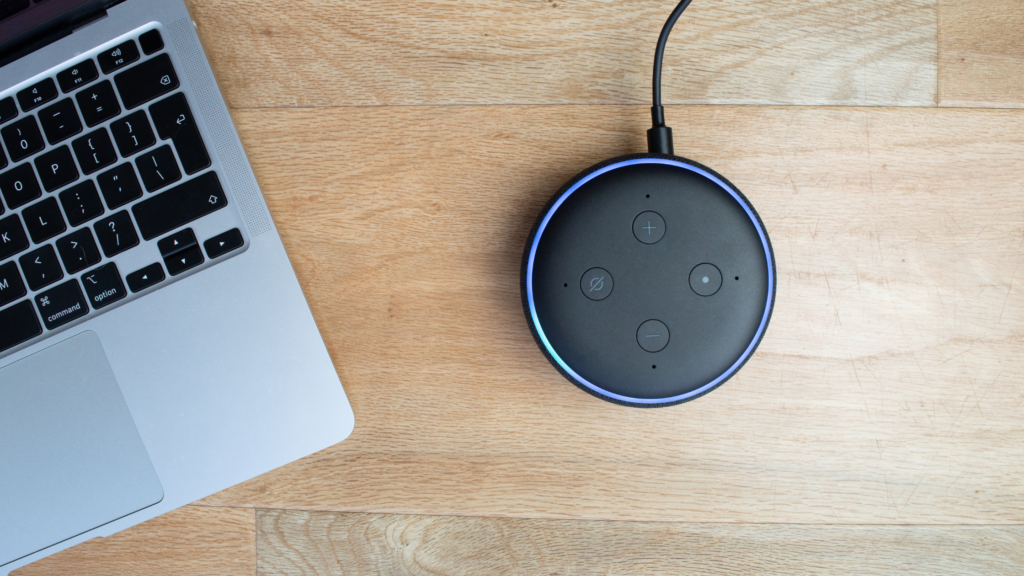
If you currently own an Amazon Echo, Amazon Ring or a few other Amazon smart devices (3rd generation models to current), you have been automatically opt-in on Tuesday, June 8th for Amazon Sidewalk.
This feature allows Amazon smart devices to remain online if a signal drops by connecting to neighboring Wi-Fi connections.
In other words, Amazon Sidewalk will use a slice of your home internet connection and create a widespread low-bandwidth wireless network, which can take up to 500MB of your internet data.
While this can help to make setting up Amazon smart-home devices easier and help keep them connected, it could also pose a risk of having zero control over that data that is being transmitted from your connection.
If you do not wish to share your internet connection, here are the steps you can take to see if your device has Sidewalk and if so, how to disable it from your device: